Lego Filter: Turn Your Picture Into a Lego Character

Cartoon

Ghibli
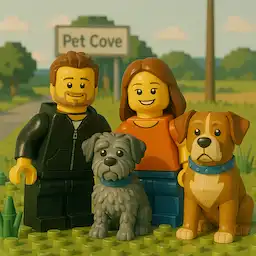
Lego
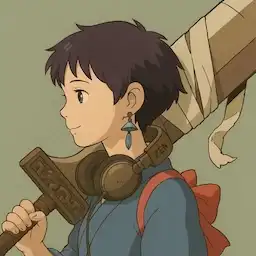
Anime

Pixel

Minecraft
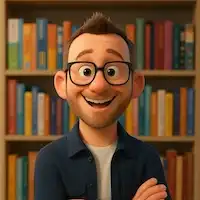
Pixar
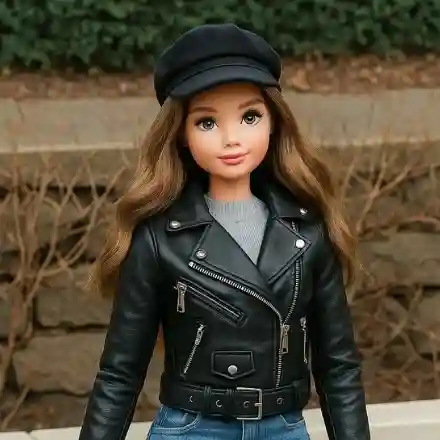
Barbie

Simpsons

Chibi

South Park

Clay
Muppet

Rick Morty
Customize (Optional)
0/1000
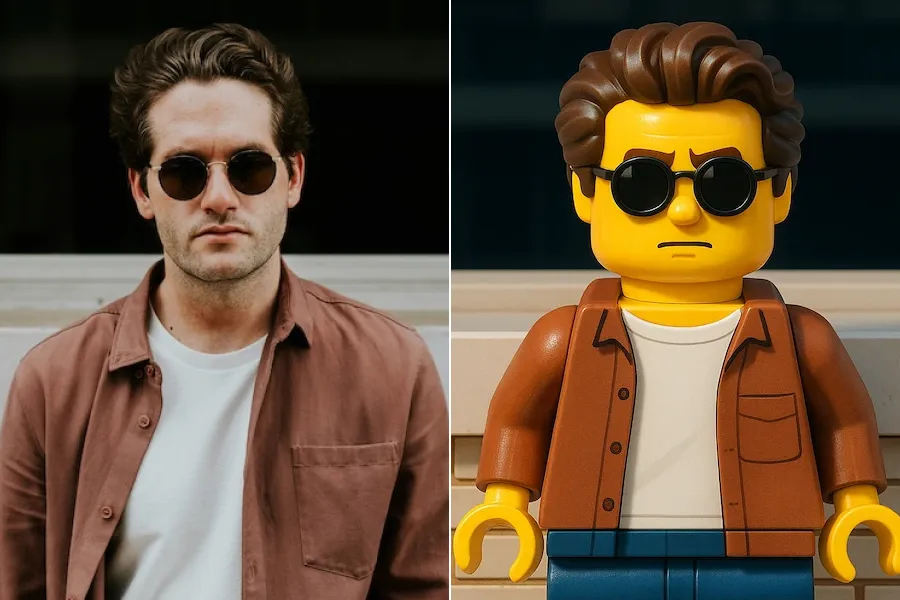

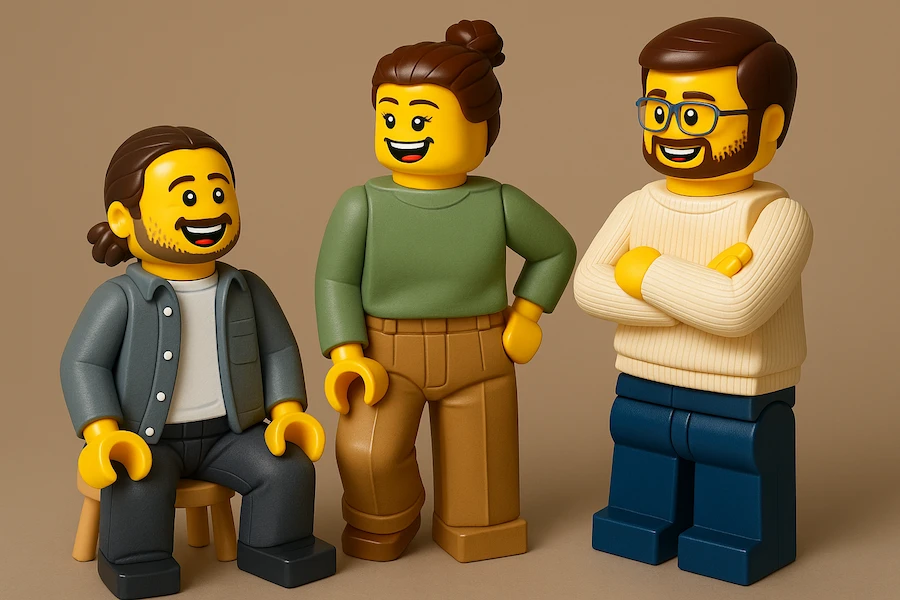
Turn Any Picture Into a Lego Art
Transform your favorite photos with our powerful AI lego filter. Instantly turn a picture into a lego creation—just upload your image and see it converted into a unique lego-style artwork.

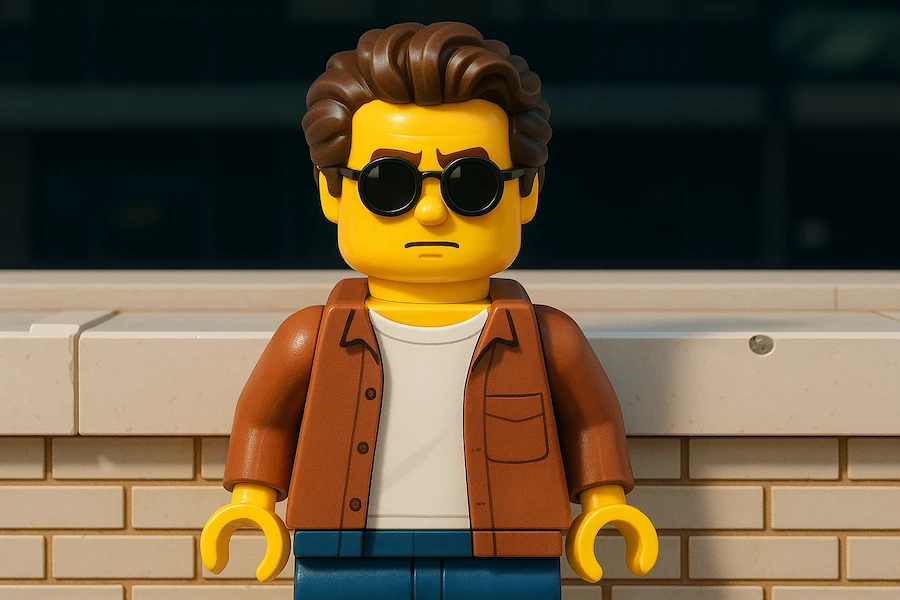
Create Your Own Lego Portraits
Make yourself into lego with just one click. Our tool lets you turn your portrait into a lego character, capturing your look in a playful, creative way. It’s the easiest way to create your own lego picture and stand out online.
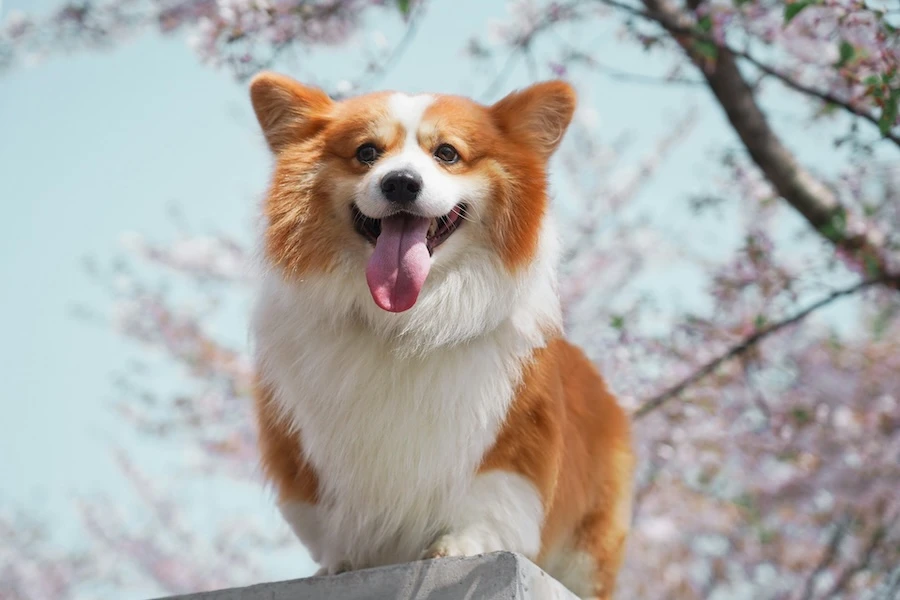
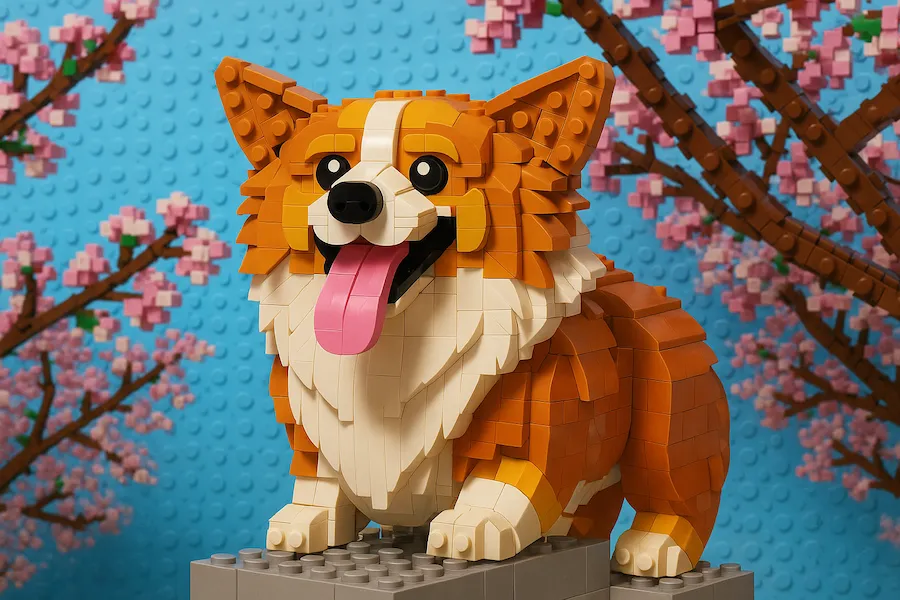
Lego Fun for Everyone
Bring a smile to your day by turning your pet’s photo into a lego masterpiece. With our AI lego filter, you can convert any image to lego, making fun and memorable pictures of your furry friends or anything you love.
How to Use the Lego Filter
Step 1
Upload Your Picture
Choose any photo you want to transform. Click the upload button and select your image. Our AI lego filter works with portraits, pets, or any picture you love.
Step 2
Turn Your Picture Into a Lego Character
With just one click, our AI will convert your image to lego style. Instantly see yourself, your friends, or your favorite moments as unique lego characters.
Step 3
Download and Share
Once your image is ready, simply download your new lego creation. Share your lego-style photo with friends or use it as your profile picture!
Why Choose Our AI Lego Filter?
Discover the easiest way to turn your pictures into unique Lego-style art. Our AI Lego filter is fast, simple, and delivers high-quality results every time. Enjoy creative freedom, privacy, and a range of fun features—all in one place.
Easy to Use
No design skills needed. Just upload your photo and our AI does the rest. Anyone can create a Lego picture in seconds.
Fast Results
Get your Lego-style image instantly. Our AI Lego filter works quickly, so you don't have to wait.
High-Quality
Enjoy sharp, detailed Lego images. We use advanced AI to make sure every picture looks amazing.
Artistic Expression
Turn a picture into a Lego character and show off your creativity. Make yourself into Lego or create your own Lego picture with just one click.
Safe and Private
Your images are secure. We respect your privacy and never share your photos.
More Creative Filters
Not just a Lego filter—try other fun and creative filters to convert your image to Lego and more. Explore new ways to express yourself!
Lego Filter Related FAQs
A Lego filter is an AI-powered tool that transforms your photos into fun, colorful Lego-style images. With a Lego filter, you can turn a picture into a Lego character or scene, making your photos look like they were built from real Lego bricks.
AI filters use advanced technology to analyze your image and apply creative effects. When you use an AI Lego filter, the system detects shapes, colors, and details in your photo, then recreates them in a unique Lego style. This lets you easily convert any image to Lego with just a few clicks.
YouStylize supports the most popular image formats, including PNG, JPG, and WEBP. Just upload your picture, and our AI will turn your image into a Lego masterpiece.
YouStylize is a leading AI tool that can turn your picture into a Lego character or scene. Our advanced AI Lego filter makes it easy to create your own Lego picture from any photo.
Image generation with YouStylize is super fast. Most pictures are converted into Lego style in just a few seconds, so you can enjoy your new Lego image right away.
Create Your Own Lego Picture from Any Photo
Turn any picture into a unique Lego masterpiece in seconds! Our AI Lego filter makes it easy to convert your image to Lego style, create your own Lego character, or make yourself into a fun Lego version. Experience the magic—no design skills needed.